Intelligent conversations
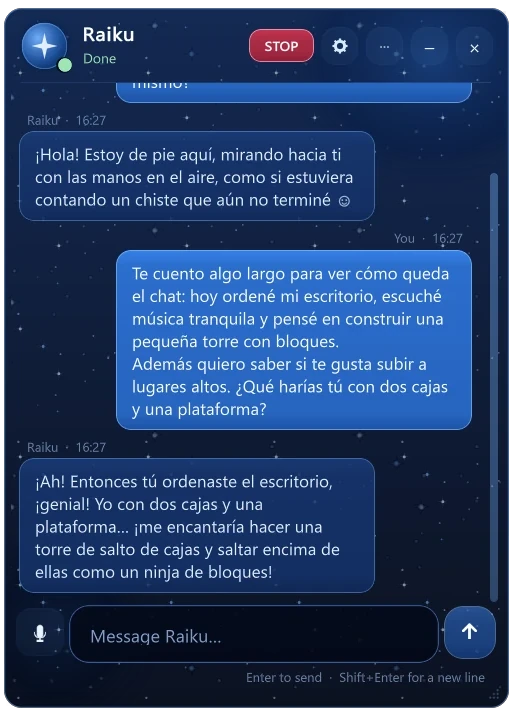
Talk to her in any language. She answers from what is really happening on her desktop and what she remembers about you — and she checks her own claims about what her hands are doing.
Runs in the alpha buildA 3D digital companion who lives on your desktop, talks with you, explores her little world with her own hands and starts activities on her own.
Alpha for Windows · purchases open soon
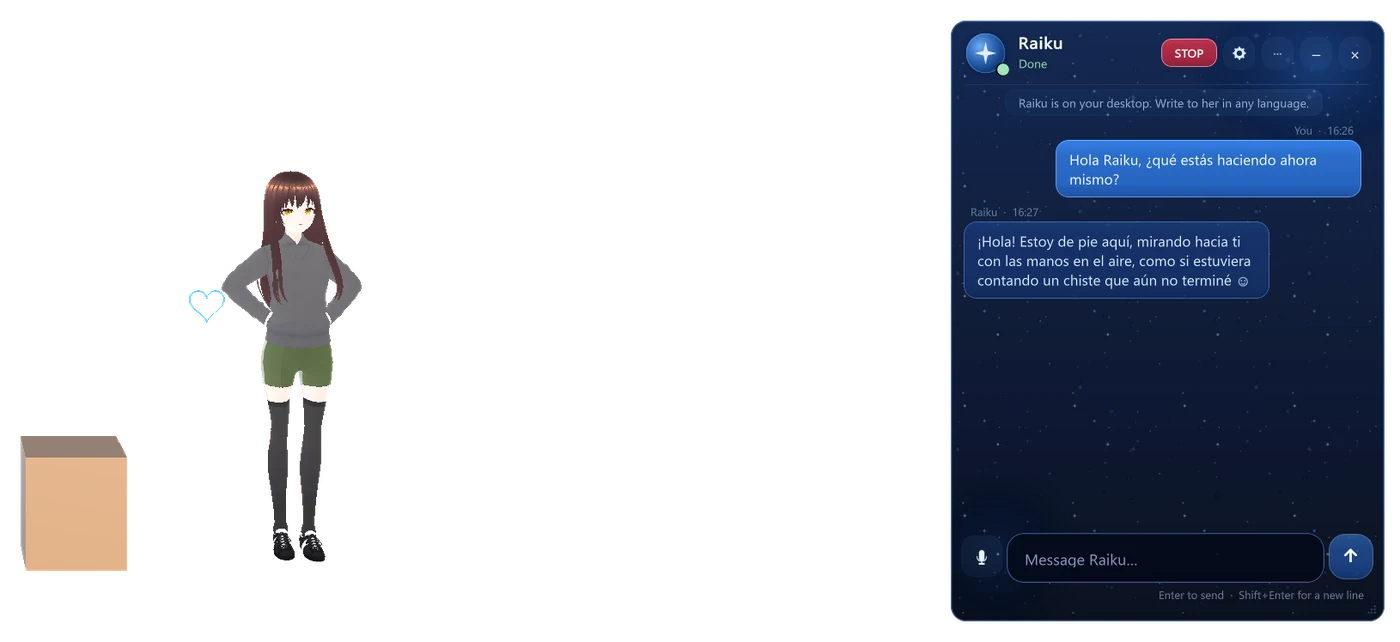
Raiku is a small 3D character who lives on top of your Windows desktop. She has a body, a little world of virtual objects, a memory and a mind of her own.
The chat floats on your desktop in the same starry blue as this page. It shows what she is doing right now — resting, exploring, building, holding her box — without covering her.
Each feature below runs in the current alpha build. Where something is still experimental, we say so.
Talk to her in any language. She answers from what is really happening on her desktop and what she remembers about you — and she checks her own claims about what her hands are doing.
Runs in the alpha buildA full 3D body that walks with planted feet, crouches, climbs, jumps down, gestures and rests. She stays in one continuous body across every activity.
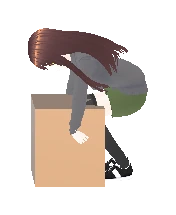
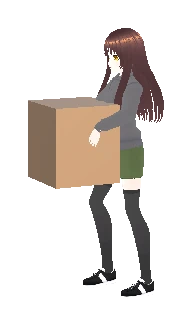
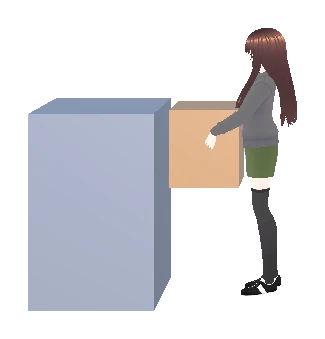
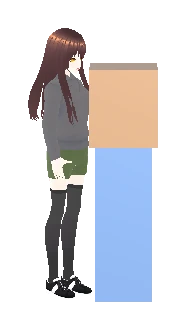
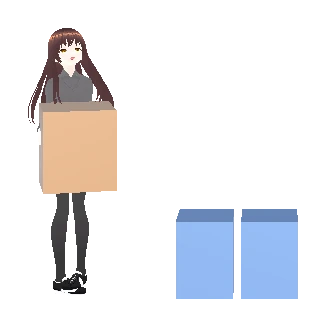
Runs in the alpha buildShe grips a box with both hands only after her palms measurably touch it, lifts it, carries it, sets it down and lets go — no teleporting objects.
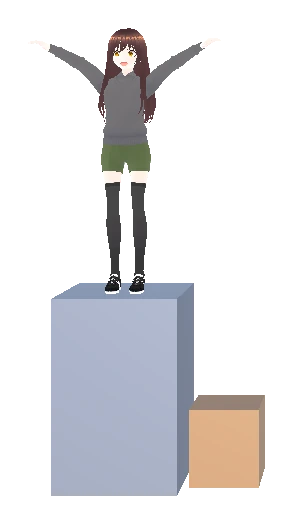
Runs in the alpha buildNobody has to tell her what to do. She notices things on her desktop and picks her own activities — rearranging, stacking, exploring — or simply rests.
ExperimentalConversations, a diary of what she did, and strategies that worked (like "a box can be a step") are kept on your PC and reused later.
Runs in the alpha buildA transparent overlay on Windows: she lives at the edge of your screen, clicks pass through her, and one STOP button halts everything instantly.
Runs in the alpha buildRaiku runs locally on your PC. Her conversations and memories stay on your machine.
Install Raiku on your Windows PC.
Launch it; nothing changes on your desktop besides her.
Raiku shows up standing on your desktop.
Open the chat and write to her, in any language.
She explores and starts activities of her own.
Experiences are saved locally on your PC.
Permissions, pause, and an instant STOP.
Every image here is a frame from the running Windows build — no renders, no concept art. Backgrounds are transparent in the app; the blue is this page.

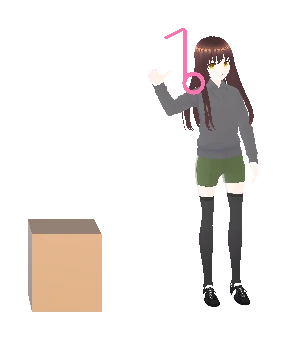
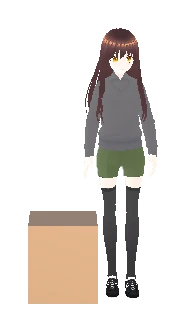
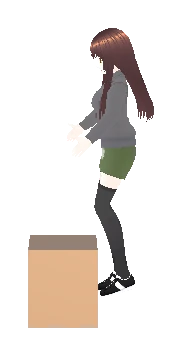
We'll publish a recording made from the real app. Until it exists, there is nothing to show here — we won't stand in footage that isn't Raiku.
Windows desktop app · activation key by email
Raiku is in alpha. Sales open when a release build is certified and the license terms are published.
A 3D AI companion for the Windows desktop. She has a body, talks with you, remembers, interacts with small virtual objects with her hands and starts activities of her own.
Raiku runs as a transparent layer over your desktop. A language model running on your own PC gives her words; her body, her objects and her memories are simulated and stored locally.
Conversation runs locally. Internet is needed to activate your key, and occasionally to renew the activation; she keeps working offline for a grace period in between.
After purchase you receive an activation key by email. Open Raiku, go to Settings › License, paste the key and press Activate. More about activation.
Deactivate Raiku on the old PC (Settings › License) and activate the same key on the new one. Final policy on how many PCs a key covers will be published before sales open.
Conversations and memories are stored on your PC. Activation sends only the key, a random installation id created by the app and the app version — no hardware fingerprint. The privacy policy will be published before sales open.
Raiku is developed and tested on Windows 10 (64-bit) with an NVIDIA GTX 1650. Official minimum requirements will be confirmed before launch.
Raiku is actively developed. The update policy for purchased keys will be published with the license terms.
A support address will be published before sales open.
When the release build is certified. Until then the Buy button tells you the store is in preparation, and no payment can be made.